class: center, middle, inverse, title-slide # HPC and Singularity ## <br> A Guide to Go ### Alexis Lucattini ### Wed 13th March 2019 --- # Introduction .pull-left[ ## Covered: .baby-bear[ * Building from pre-built containers * Installations via a recipe * Running containers on your HPC * Developing module files for containers ]] .pull-right[ ## Not covered: .baby-bear[ * Using + 'make' + 'gcc' + 'apt' + 'docker' + 'sbatch' ] ] --- # Why Containers? .center[<img src=https://imgs.xkcd.com/comics/containers.png width=45%>] --- # Why Containers ## Reproducible Results .center[<img src=images/dolly_reproducible.jpg width=35%>] --- # Why Containers ## Environment independent .center[<img src=images/polar_bear_env.jpg width=50%>] --- # Why Containers ## Easily installation .center[<img src=images/britney.jpg width=45%>] --- # Why Containers ## Reduce conflicts .center[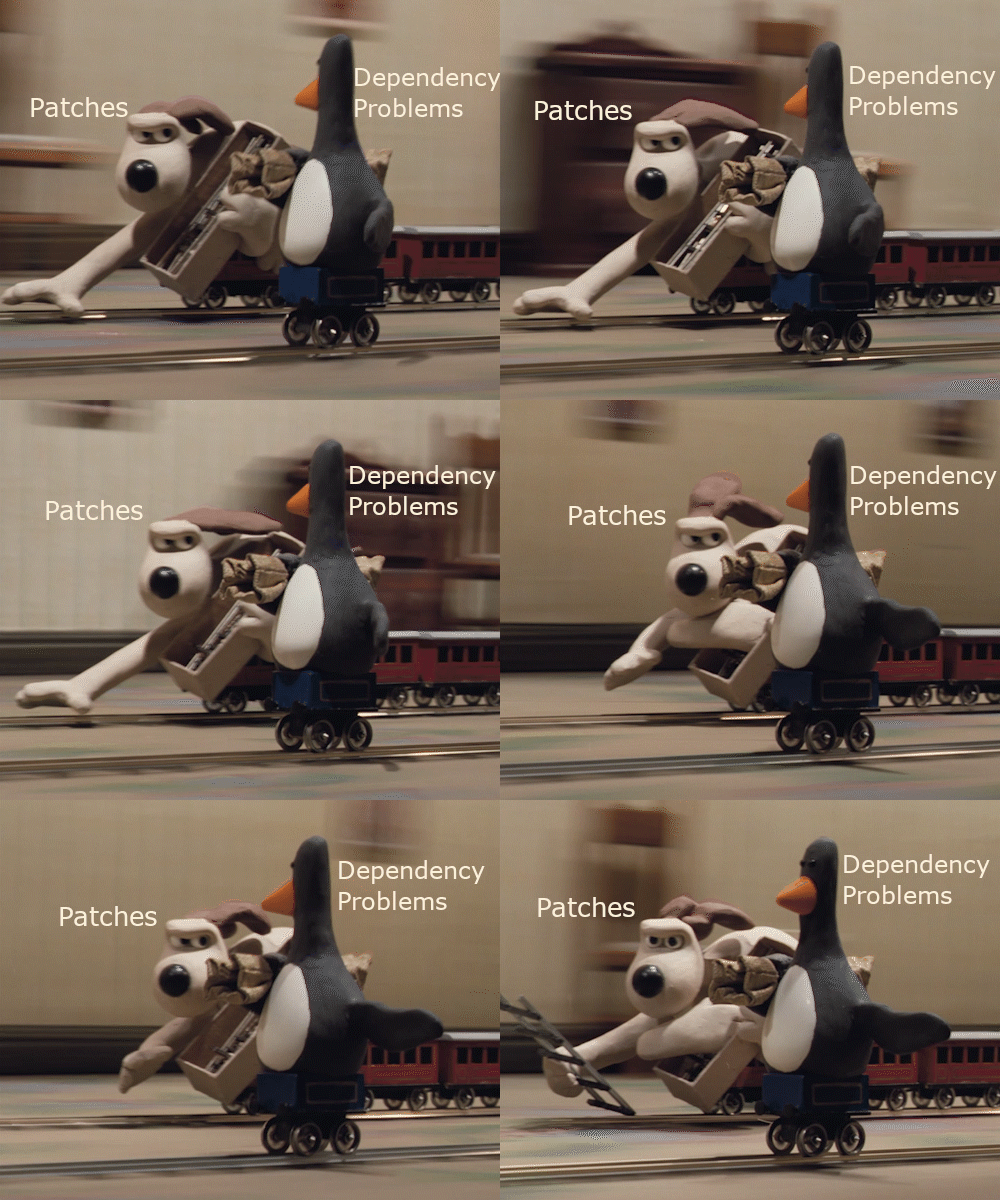] ??? Without using containers, one must ensure that all modules that may be loaded at once are compatible, leading to a lot of tinkering with code. --- # Singularity .pull-left[ .baby-bear[ * HPC friendly + No root required for running + Reduce security issues<br></br> * Smaller overhead<br></br> * Segmented recipes<br></br> * Can import Docker recipes<br></br> ] ] .pull-right[ .baby-bear[ * Steep Learning curve<br></br> * Some system-admin knowledge required + apt-get installation methods<br></br> * Developing technology<br></br> * Locale Inheritance<br></br> * Small community<br></br> ] ] ??? --- # Environment wrapping .baby-bear[ + Containers and HPC scheduling initially can be quite overwhelming.<br></br> + This diagram is not intended to intimidate but for debugging assistance. ] .center[<img src=images/sbatch_singularity_diagram.png width=55%>] --- # Installation Overview .center[<img src=images/singularity_diagram.png width=80%>] --- # Building a container .pull-left[ .baby-bear[ + Choose a base container to start with.<br></br> + Bases can be found at [SingularityHub repo](https://singularity-hub.org/collections)<br></br> + Or from the [DockerHub repo](https://hub.docker.com/).<br></br> ] ] .pull-right[ .baby-bear[ + Use the `%runscript` to specfiy which command to run inside the container.<br></br> + Usually prefix with 'exec' and end with `${@}` which represents any trailing parameters<br></br> ] ] --- # Examples .pull-left[ ## DockerHub ```bash $ cat docker.recipe BootStrap: docker From: r-base:3.5.1 %runscript exec R ${@} ``` ] .pull-right[ ## SingularityHub ```bash $ cat recipe.singularity BootStrap: shub From: MPIB/singularity-r:3.5.1 %runscript exec R ${@} ``` ] --- # Building the container .pull-left[ ## Dockerhub ```bash $ sudo singularity build \ r_from_docker_3.5.2.simg recipe ``` ] .pull-right[ ## SingularityHub ```bash $ sudo singularity build \ r_from_shub_3.5.2.simg recipe ``` ] --- # Running the container With just those two lines we now have containers that can run the R console!<br></br> ```bash $ singularity run r_from_shub_3.5.2.simg ``` --- # Shell inside the container .pull-left[ .baby-bear[ **Why shell**<br></br> Curious to see what's under the hood? We can shell into the container using the command below. Use `exit` to exit the container. ] ] .pull-right[ .baby-bear[ **Traversing activity**<br></br> When inside the container try the following commands. `ls /data` `ls /home` Which one of these worked? What does this mean? ] ] <br></br> ```bash $ singularity shell r_from_shub_3.5.2.simg ``` --- # Write a recipe .small-code[ ```bash $ cat singularity_v2.recipe BootStrap: shub From: MPIB/singularity-r:3.5.1 %help To get started with this image, try singularity run r_from_shub_3.5.1.simg %post # Preinstallall the tidyverse and BiocManager for the users Rscript --vanilla -e 'install.packages("tidyverse")' Rscript --vanilla -e 'install.packages("BiocManager")' %runscript exec R ${@} ``` ] .footnote[ If this script fails for you, please see the next slide before panicking ] ??? The R container is pretty good, but maybe we could give our users a bit of a head-start. Using the `%post` section we’ll preinstall a few packages to get them going. If this script fails for you, you've done good. --- # Adding files .baby-bear[ No CRAN mirror specified? No worries, we can add [one](rprofile.site) in using the `%files` section. ] .small-code[ ```bash $ cat singularity_v3.recipe BootStrap: shub From: MPIB/singularity-r:3.5.1 %help ... %files r_profile.site /usr/local/lib/R/etc/Rprofile.site %post Rscript --vanilla -e 'install.packages("tidyverse")' ... ``` ] ??? --- # Apps .baby-bear[ Our container now runs R interactively, however, this may not suit the needs of everyone. * Apps allow users to specify what commands they wish to run.<br></br> * Apps can also have their own specific attributes: + `%files` -> `%appfiles <app_name>` + `%environment` -> `%appenv <app_name>` + `%post` -> `%appinstall <app_name>` ] ??? But say our user just needs the R platform, not the interactive suite? We could create a new container with a new %runscript parameter that use Rscript instead of R. Seems like a waste of a container. So this segues nicely into Apps. --- # App example .small-code[ ```bash $ cat singularity_v4.recipe BootStrap: shub From: MPIB/singularity-r:3.5.1 %help ... %apphelp Rscript Use container in non-interactive mode singularity run r_from_shub.3.5.2.simg --no-init-file my_r_script %apprun Rscript exec Rscript ${@} ... %files %post %runscript ... ``` ] --- # Environment Singularity environments can be managed in three ways, with the hierachies as follows. * exporting variables with the `SINGULARITYENV_` prefix prior to running. * exporting variables in `%post` or `%appinstall` * exporting in `%environment` or `%appenv` For examples, please visit the [docs](https://www.sylabs.io/guides/2.5/user-guide/environment_and_metadata.html) --- # BioContainers .pull-left[ .baby-bear[ Most common installations, can be much simpler than the previous example shown. <br></br> [BiocContainers consortium](https://biocontainers.pro/) hosted by [quay](https://quay.io/search) means often only simple recipes are required.<br></br> BioContainers are often very compact (6Mb or less!) ] ] .pull-right[ .small-code[ ```bash $ cat star_from_quay.2.7.0b.recipe Bootstrap: docker From: quay.io/biocontainers/star:2.7.0b--0 %help Example: singularity run --bind /data:/data star --help %runscript exec STAR "${@}" %apprun standard exec STAR "${@}" %apprun long exec STARlong "${@}" ``` ] ] ??? --- # Container to Module It would be nice if our user could just run the commands below. Since + Modules more common, no pipeline disruptions + User experience with singularity not required.<br></br> ```bash module load star/2.7.0 star --help ``` --- # Container to Module We keep the module short and sweet as summarised below. We then write a bash wrapper to the bin path which wraps around the container script. See the template bash wrapper [here](https://gist.githubusercontent.com/alexiswl/6974927ab8da81f1e3dc2222db467486/raw/2ac3ea22e632408f972f557a367d1a67defb5530/templates_bash_wrapper.sh) ```bash $ module show star/2.7.0 ------------------------------------------------------------------- $MODULEPATH/star/2.7.0: conflict star prepend-path PATH $CONTAINER_PATH/star/2.7.0/bin ``` --- # Reducing repetition See the following [gist](https://gist.github.com/alexiswl/6974927ab8da81f1e3dc2222db467486) for generating bash wrappers, modules and singularity recipes from biocontainers with just a yaml file. --- # Testing the installation ```bash # Load module module load star/2.7.0 # Run help script on module STAR --help # Try running help script through slurm srun --time=0-00:00:10 STAR --help ``` --- # References .baby-bear[ + [Singularity Documentation](https://www.sylabs.io/guides/2.5/user-guide/index.html)<br></br> + [BioContainers](https://biocontainers.pro/)<br></br> + [This Presentation in Markdown Format](./HPC_and_Singularity.html)<br></br> + [Vagrant Boxes for building containers locally](https://app.vagrantup.com/sylabs)<br></br> + [My Email Address](mailto:Alexis.Lucattini@agrf.org.au)<br></br> + [Module/Container Gist](https://gist.github.com/alexiswl/6974927ab8da81f1e3dc2222db467486) ]